ShotDock captures, annotates and uploads your screen in seconds — and it packs tools you normally only find in a photo editor: erase objects and rebuild the background, remove dust specks, clone, warp and dodge. Native to Apple Silicon and under 5 MB.
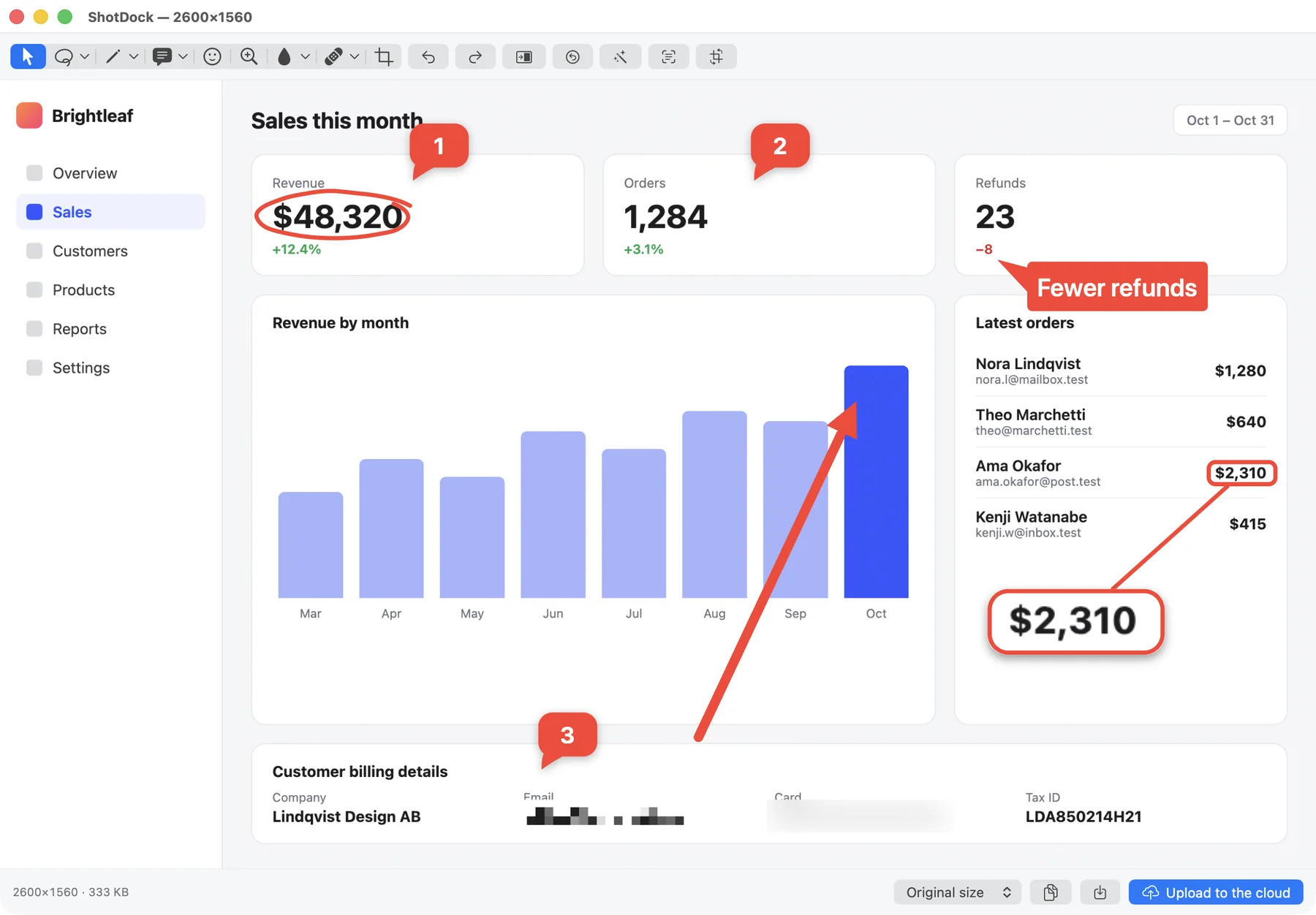
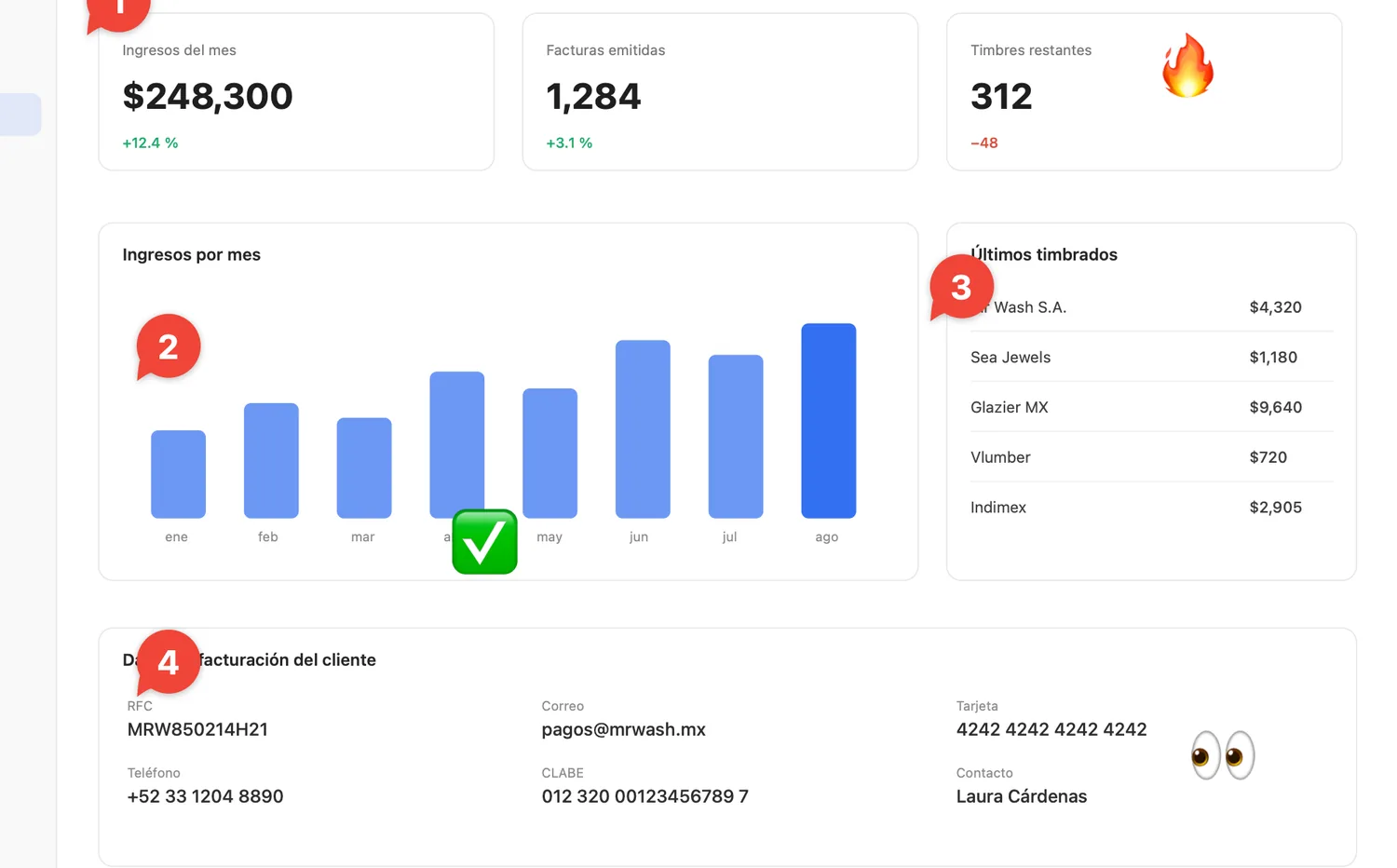
Arrows, rectangles, ovals, lines, pencil, highlighter, callouts with a tail, numbered steps, stickers, magnifier, pixelate, blur, crop and rotate. Each one on its own key, the way Photoshop and Figma do it.
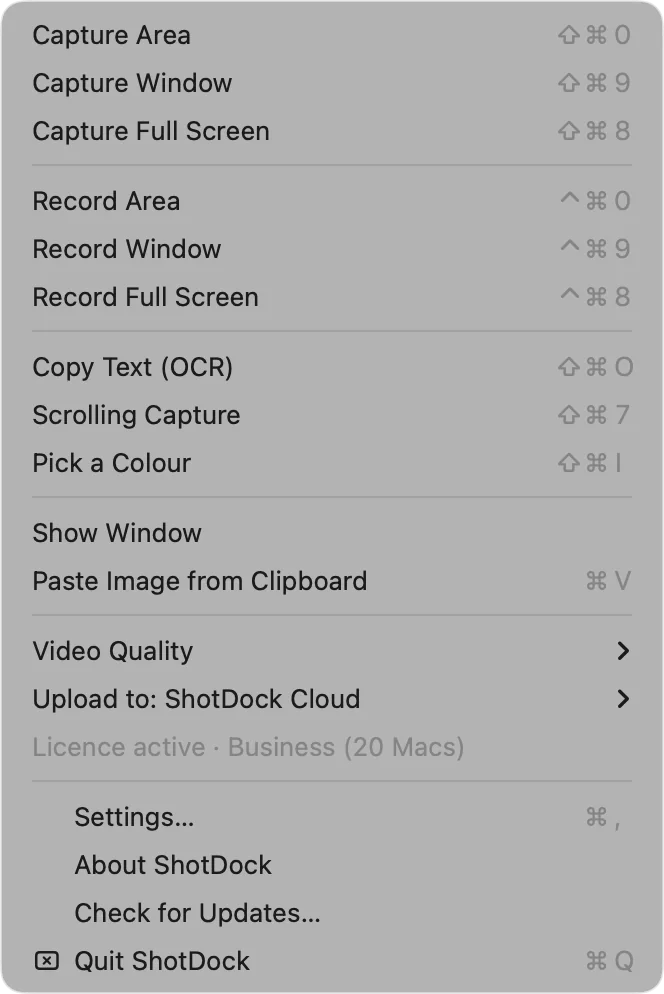
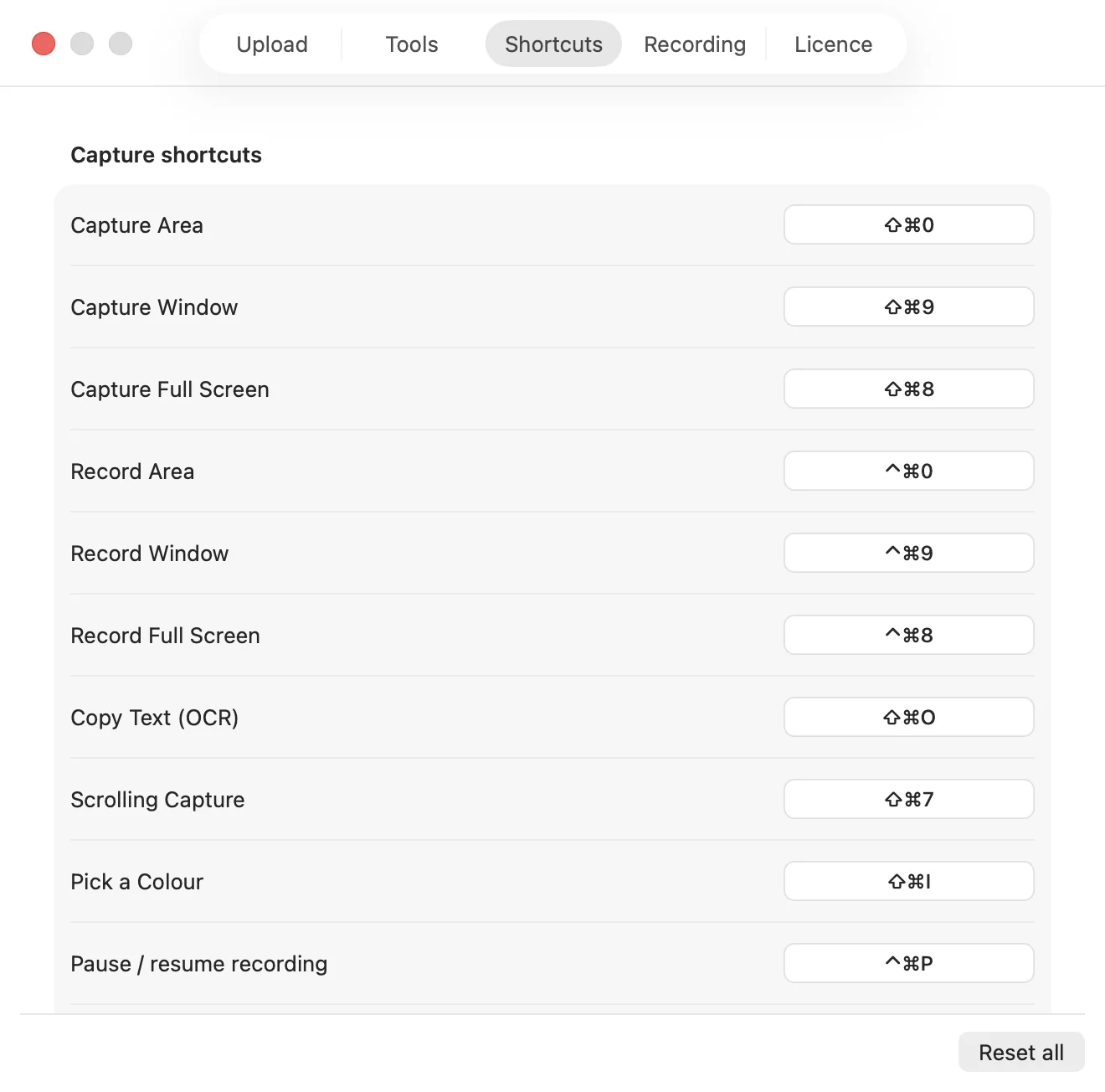
⇧⌘1 area, ⇧⌘2 window, ⇧⌘3 full screen. When you're done, Esc copies and closes; Enter uploads and drops the link on your clipboard.
Uploads to your own S3 with presigned links. No server of mine in between, no storage quota, no account to create. Your screenshots stay yours.
Every stroke is one step. ⌘Z and ⇧⌘Z work on everything, including the tools that rewrite pixels — and without losing the zoom you were working at.
Zoom with ⌘+ or the trackpad and retouch pixel by pixel. The brush is measured on screen, so zooming in genuinely makes it finer.
If an arrow or a callout runs off the edge, ShotDock widens the image instead of clipping your annotation.
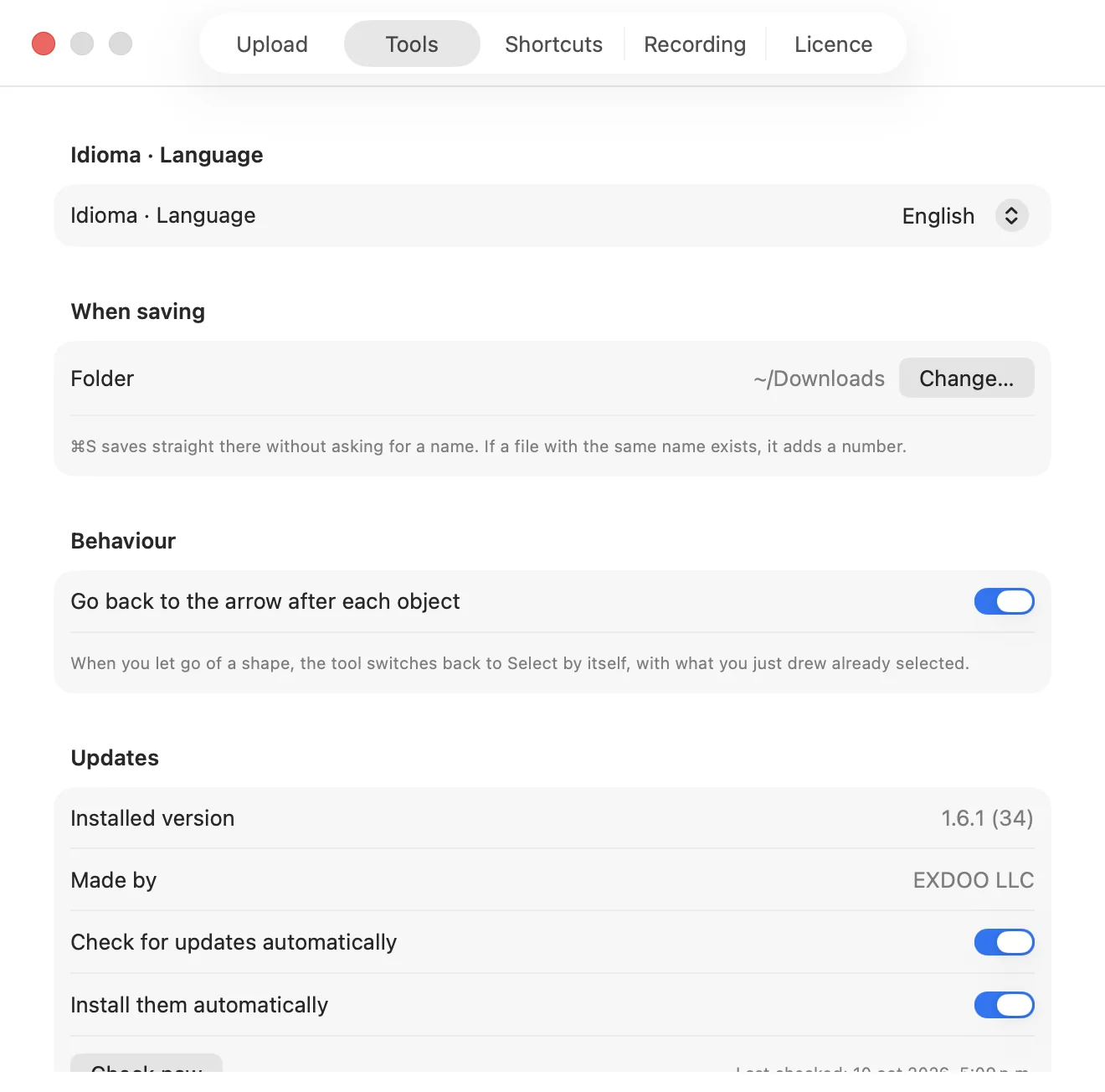
Interface, alerts and updates in English or Spanish, switchable anytime. Made in Mexico, with no half-done translations.
These aren't filters: they're the same techniques a professional editor uses, running on your screenshot the moment you take it. Drag the divider to compare.
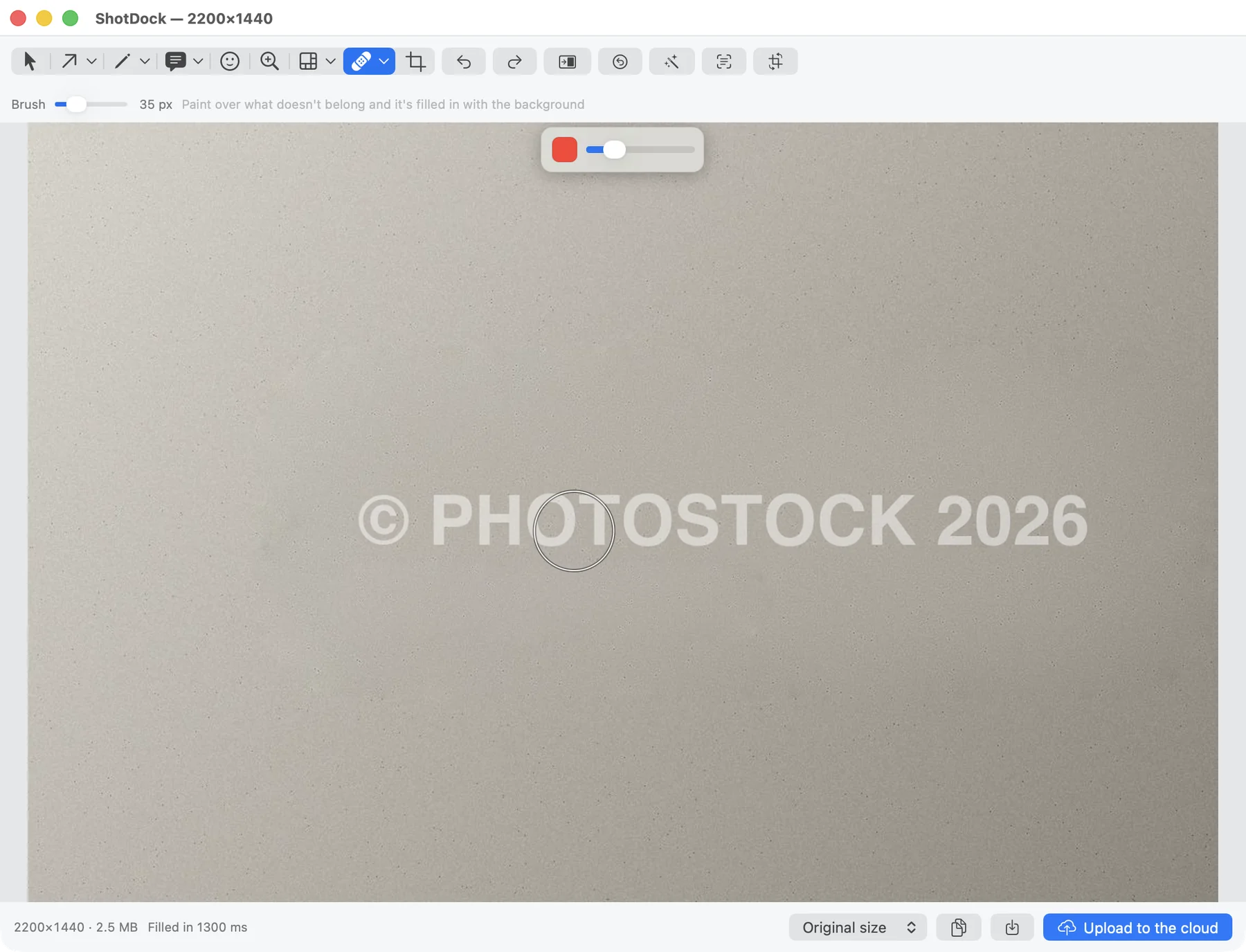
Paint over a watermark, a logo or an object and ShotDock reweaves what was behind it, copying patches from the background itself, matching the grain and stitching the seam so no step in tone is left behind.

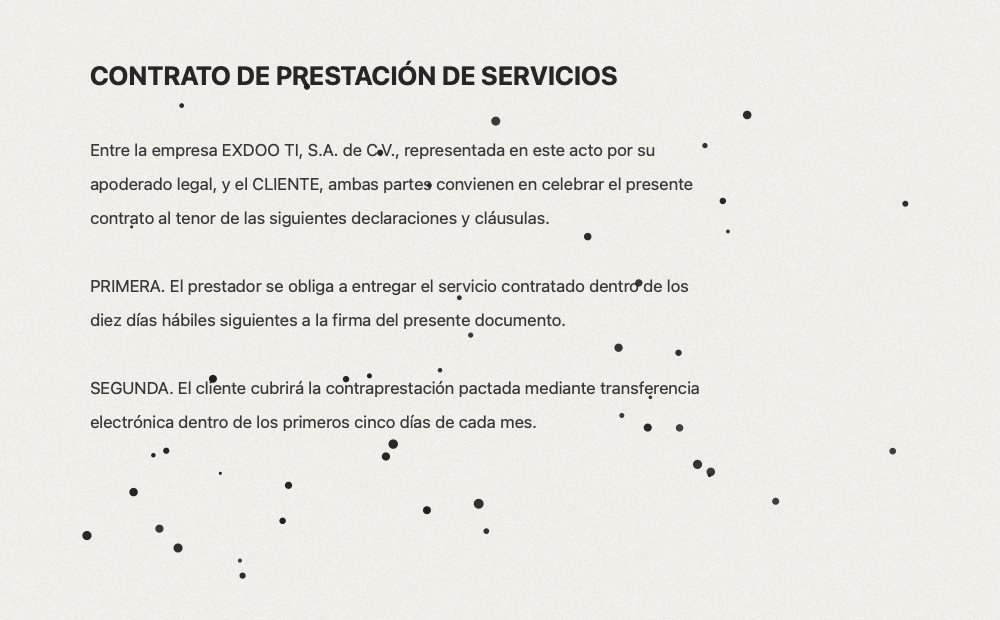
Sweep the brush over an area and ShotDock finds the dark specks inside it and fills each one separately, as if you had erased them one by one. Anything large and dark —a shadow, an object— never even notices.

It measures the histogram, the white balance and the percentiles of your image and derives the adjustments from that: black and white points, gamma, shadows, an S-curve and saturation. All in one pass, and it tells you in the toolbar what it did.

Click to pick where to copy from, then paint the copy wherever you want. Two circles on screen show you where each stroke is coming from.
Stretches the image behind the brush. It always resamples from the original, so it never turns to mush no matter how many passes you make.
With a tonal range like Pixelmator's: everything, highlights, midtones or shadows. ⌥ flips it without switching tools.
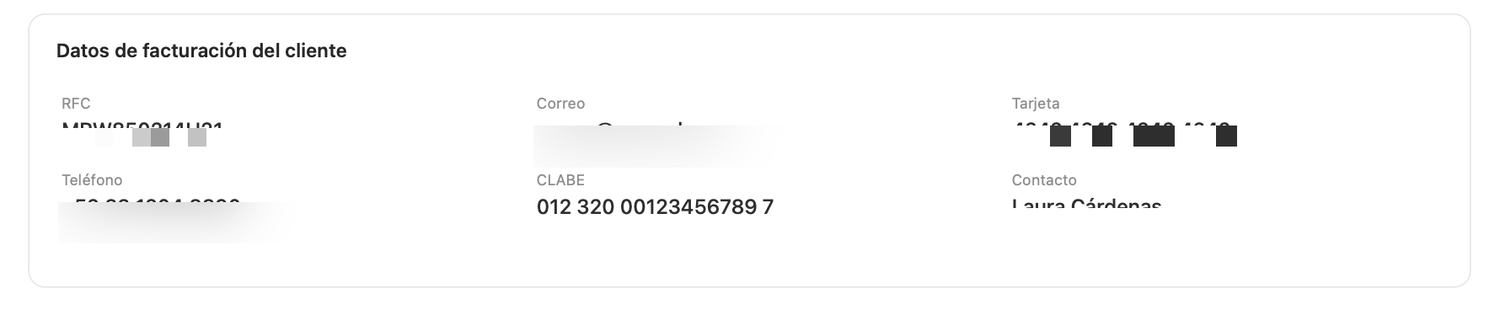
Number things with a click —1, 2, 3— and the counter keeps count on its own. Blow up a detail with the magnifier without cropping the shot. And when the screen shows a tax ID, a card number or an email, pixelate or blur that piece and move on.


Mark the bit that matters and ShotDock blows it up in a panel joined by a line, placed on its own on the first side where it fits. From 1.5× to 6×, and the panel drags separately from the source.

This isn't a wish list: every one of them is in the app today and you can try it in five minutes.
Sweep an area and every dark speck is filled in separately. It can tell a speck from a letter: lines, accents and punctuation survive. No other screenshot editor ships this.
Photo-editor tools, on your screenshot, right there and then. With a tonal range, a brush measured in screen points, and every stroke as one undo step.
⌘E measures the histogram and fixes light, whites, contrast and colour in one pass. No trained model, and your image never goes to a server.
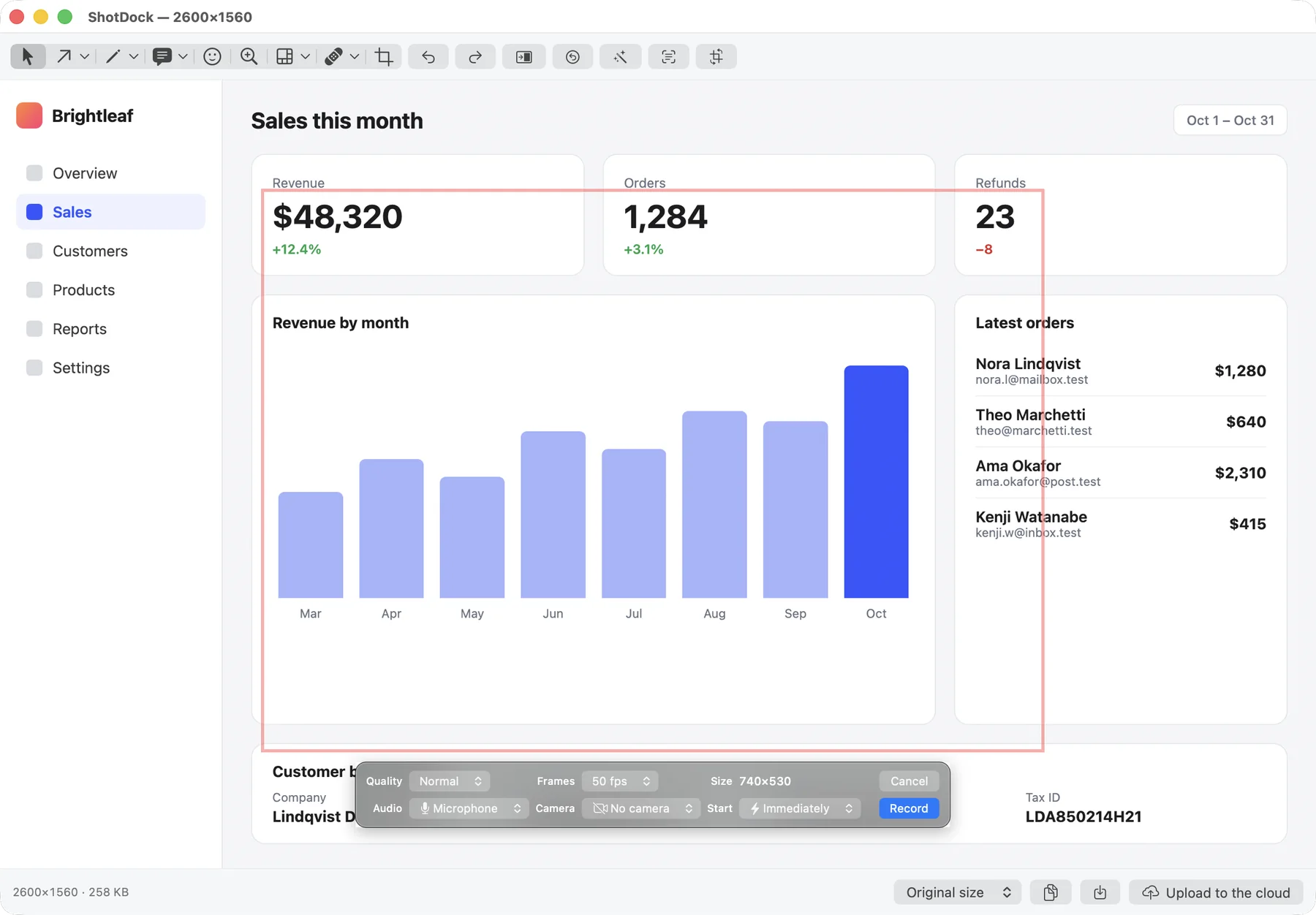
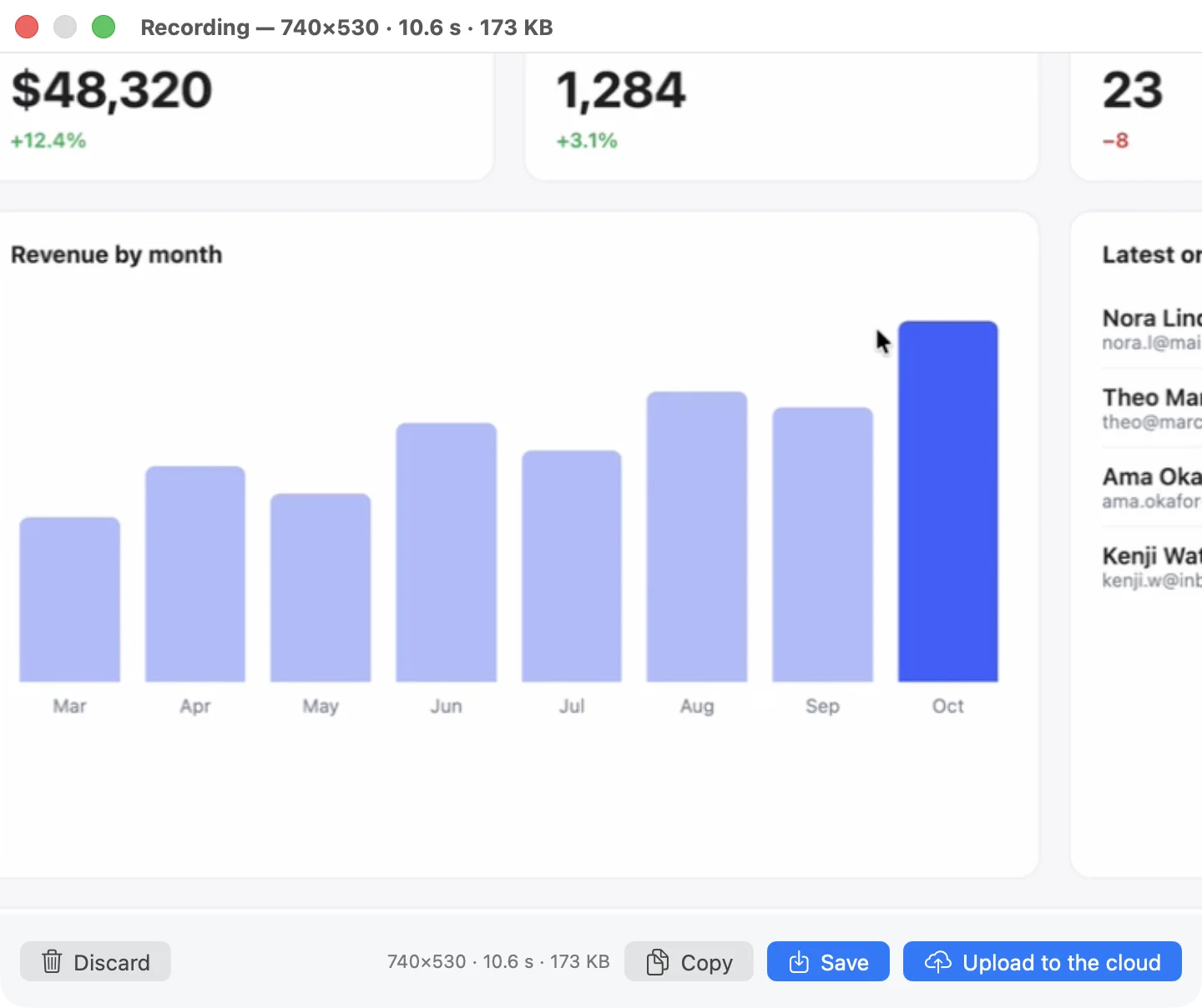
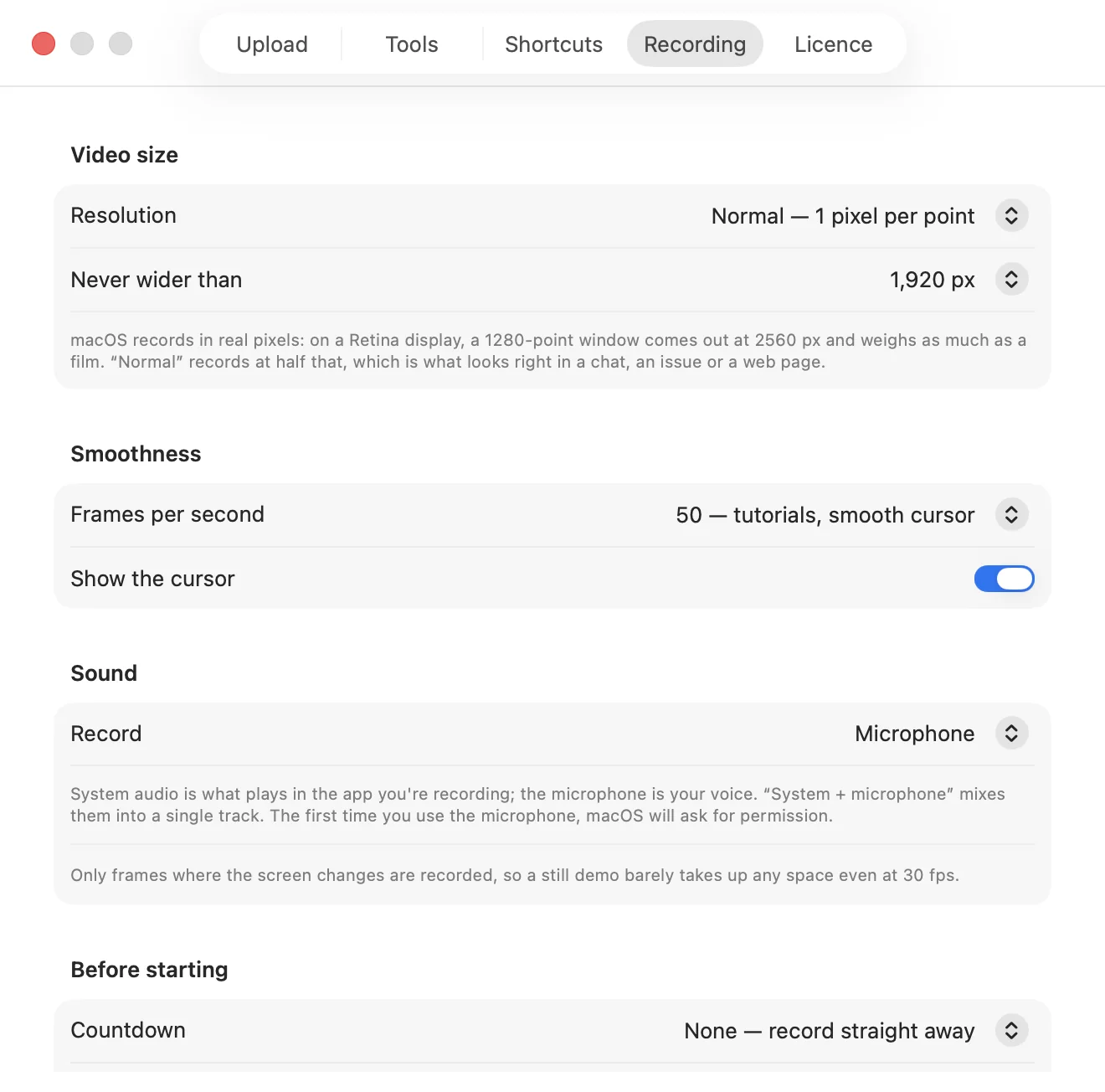
You decide what resolution the video comes out at. macOS records in Retina pixels and hands you a movie-sized file for something that will end up in a chat.
If an arrow, a callout or a sticker runs off the edge, the image widens instead of clipping your annotation. Everywhere else, what runs off is lost.
The cheapest one on the list costs four times as much, and the next one ten. Here there's no update renewal and no account to create.
macOS records in real pixels: on a Retina Mac a 1280-point window comes out at 2560 px and weighs like a movie. But that video almost always ends up in a chat, an issue or a web page, where nobody will see more than 1080p. ShotDock lets you choose the output resolution — and by default it records at half of what macOS would record.
Measured in the app, not calculated: those 59 KB are a real file.
Three shortcuts that skip the editor entirely: you point, and what you needed is already on the clipboard.
A PDF that won't let you select, a video, a screenshot someone sent you on WhatsApp, an error in somebody else's terminal. Drag over the piece and the text goes to your clipboard, accents intact and lines in order. It runs on your Mac with the same engine as Live Text: nothing goes online.
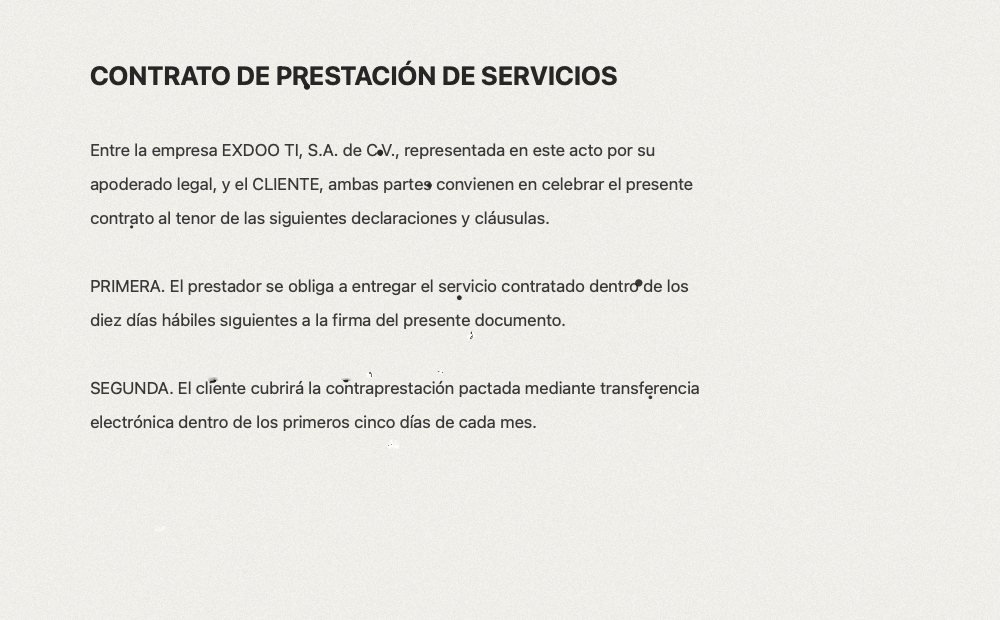
CONTRATO DE PRESTACIÓN DE SERVICIOS Entre la empresa EXDOO TI, S.A. de C.V., representada en este acto por su apoderado legal, y el CLIENTE, ambas partes convienen en celebrar el presente contrato al tenor de las siguientes declaraciones y cláusulas.
The actual OCR output on the scanned document above, verbatim — accents and all.
It freezes the screen and gives you a loupe with the pixel grid and the code on top. Click and the hex is on your clipboard — and it also becomes the annotation colour, which is what half of us wanted it for anyway.
#RRGGBB, ready to paste into CSS or FigmaYou pick the area, scroll by hand and ShotDock stitches whatever shows up. It doesn't send scroll events to the other app —that needs Accessibility permission and breaks on any unusual view—: it just watches and appends what nobody had seen yet.
List prices checked in August 2026. The other apps' features come from what their own sites advertise; if something changed, tell me and I'll fix it.
| ShotDock | Shottr | CleanShot X | Snagit | macOS Screenshot | |
|---|---|---|---|---|---|
| Pricing | $2.99 | $12 | $29 | ≈ $63 | Free |
| Model | One-time, lifetime | One-time | One-time + $19/yr for updates | Licence or yearly subscription | Bundled |
| Erase objects and refill the background | Yes | Yes | No | Yes | No |
| Remove dust specks in one sweep | Yes | No | No | No | No |
| Clone, warp, dodge/burn | Yes | No | No | No | No |
| Automatic image enhancement | Yes | No | No | No | No |
| Annotations, numbered steps, magnifier | Yes | Yes | Yes | Yes | Basic markup only |
| Pixelate and blur | Yes | Yes | Yes | Yes | No |
| Upload to your own S3 | Yes | Yes | Vendor's own cloud | Screencast.com | No |
| Scrolling capture (long pages) | Yes | Yes | Yes | Yes | No |
| OCR and colour picker | Yes | Yes | Yes | Yes | Live Text only |
| Screen recording | Yes, you choose the resolution | No | Yes | Yes | Yes, no settings |
| Spanish and English | Both, switchable | English only | English only | Yes | Yes |
What ShotDock doesn't have yet: GIF recording, a camera overlay on video, and presentation templates. Everything else in the table is already in.
No subscription, no account, no update renewal. You pay once and the licence is yours, including the versions still to come.
Rather try it first? Download ShotDock and use it with no feature limits; the licence is asked for later.
Yes. $2.99 once, and the licence never expires. Updates arrive inside the app on their own and are not charged separately.
One licence is for one person and their Macs. For several people, that's what the 3 and 20 packs are for.
No. ShotDock has no server of its own: it saves to your disk, copies to your clipboard, or uploads to your own S3 bucket with your keys, which stay in your Mac's keychain.
macOS 14 (Sonoma) or later, on an Apple Silicon Mac. The download is 1.6 MB and the installed app about 5 MB. The first time it asks for screen recording permission, which is what macOS requires in order to capture.
GIF recording, a camera overlay on video, and presentation templates. Whatever lands is included in the licence you already bought, at no extra charge.
Yes, commercial use is allowed on every plan.
Take it, clean it, annotate it, share the link. Three seconds and two keys.