Shottr in one paragraph
Shottr is a small, native screenshot app for macOS. From its site: area and window capture, scrolling screenshots, OCR and QR reading, markup (text, freehand, highlights, spotlights), a screen ruler for measuring pixels, a color picker, and upload to any S3-compatible storage. It's free to use; per its purchase page, a licence is required for commercial use — $12 for the Basic tier or $30 for Friends Club, one-time, one user on up to five computers. For screenshots alone, that's very hard to beat.
What ShotDock adds
Screen recording, with your face and your Mac's sound
Shottr doesn't advertise video. ShotDock uses the same mental model for both: ⇧ ⌘ 0 captures an area, ⌃ ⌘ 0 records it (9 for a window, 8 for the screen). Before recording you choose:
- Audio: the sound playing on your Mac, your microphone, or both mixed — something macOS's own recorder can't do, since it only offers microphones.
- Camera: a circle or rectangle in the corner, draggable while you record; double-click to resize. Available for area and full-screen recordings.
- Size: half, normal or Retina resolution, 15/30/50/60 fps. The default records one pixel per point, so files are small enough to paste in a chat.
Pause with ⌃ ⌘ P, stop, and upload: the link lands on your clipboard. More in how to screen record on a Mac.
Retouching, not just markup
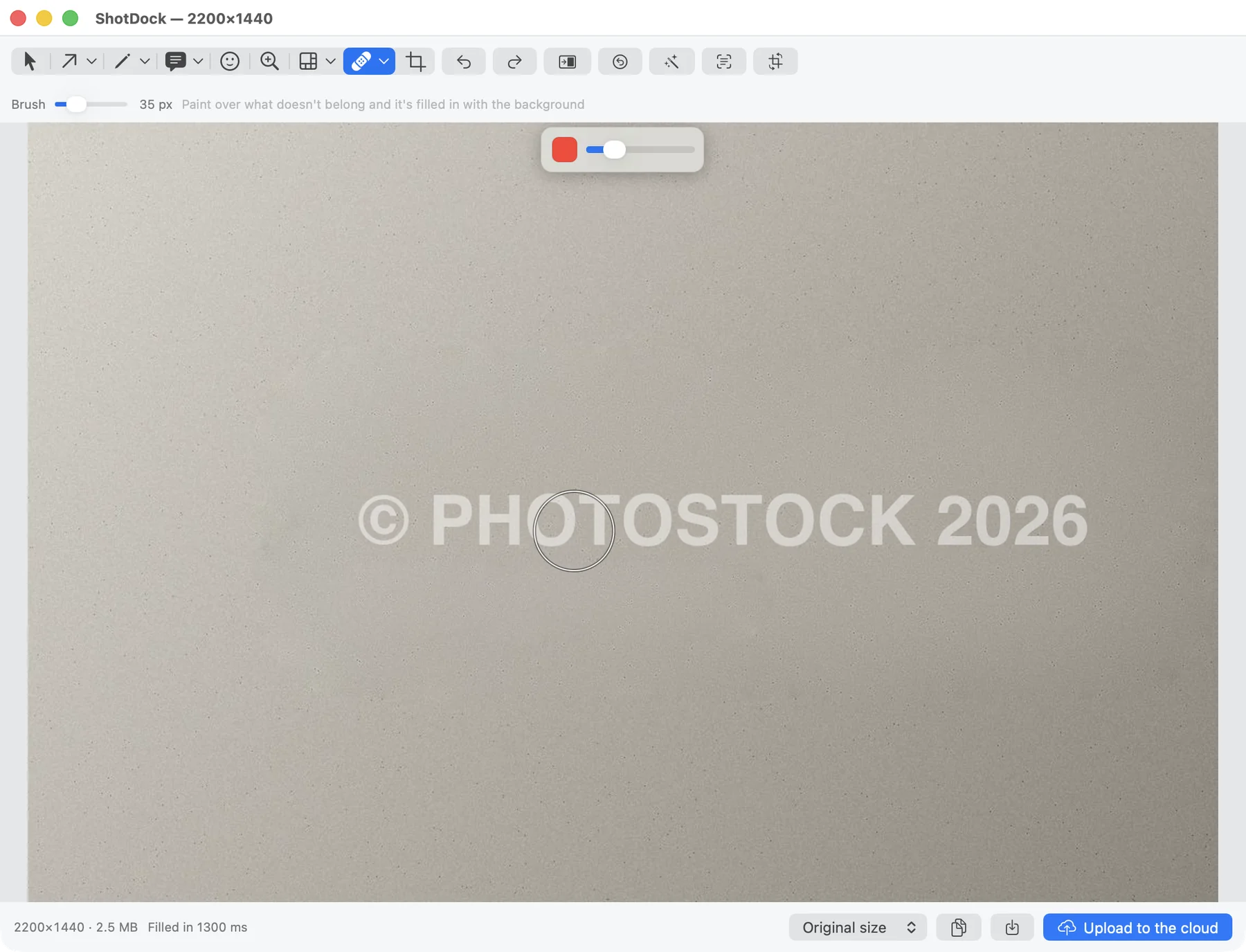
Shottr's markup is quick and clean. ShotDock's editor has 20+ tools with single-letter shortcuts, and some go well beyond annotation: content-aware erase that rebuilds the background, one-sweep dust removal for scans, clone, warp, dodge/burn, pinch/bloat and auto enhance. Plus the usual: arrows, numbered steps, a magnifier, text callouts, pixelate and blur that stay editable as objects.
A cloud if you don't want to set up a bucket
Both apps upload to your own S3. ShotDock also has its own cloud with zero setup: during the trial everything uploads, video included; with the licence, 5 uploads a day kept for 30 days; the optional $19-a-year plan removes the cap and adds video (25 GB). Links expire after 7, 30, 90 or 365 days.
Shottr vs ShotDock
| Shottr | ShotDock | |
|---|---|---|
| Price | Free with upgrade prompts after 30 days; $12 one-time for the full licence (required for commercial use) | $12 once, 14-day trial |
| Macs per licence | Up to 5 | Up to 3 |
| Scrolling capture | Yes | Yes, both directions |
| OCR | Yes, plus QR codes | Yes, on-device |
| Color picker | Yes | Yes, ⇧⌘I |
| Screen ruler / pixel measuring | Yes | No |
| Screen recording | Not advertised | Area, window or screen, MP4 |
| Webcam overlay and Mac audio | No | Yes |
| Content-aware erase, dust, clone, warp | No | Yes |
| Upload to your own S3 | Yes | Yes, or the ShotDock cloud |
| Requirements | Older macOS versions supported | macOS 14+, Apple Silicon |
Shottr details are taken from shottr.cc at the time of writing.
When Shottr is the better choice
- You only take screenshots. If you never record video, Shottr does the job beautifully, and you can try it free before paying $12.
- You measure things on screen. Shottr's ruler is a real tool for designers and front-end developers; ShotDock doesn't have one.
- You have more than three Macs, or an older Mac. Shottr covers five computers and runs on older macOS; ShotDock needs Apple Silicon and macOS 14.
- You want to read QR codes from the screen.
When ShotDock is the better choice
- You record your screen often enough that a second app is a nuisance — especially with your webcam or with the Mac's own sound.
- You clean up images: removing a logo, a stray window, dust on a scan, personal data.
- You want share links without configuring a bucket.
- You'd like a Spanish interface as well as English.
If you're weighing the bigger names too, see our CleanShot X comparison — CleanShot vs Shottr is the other common question, and the short answer is that CleanShot records video and Shottr doesn't.
Frequently asked questions
Is Shottr free?
You can use it for free, with limits. According to shottr.cc, you can download and use it for free; after about a month it starts asking you to consider paying. A licence is required for commercial use: the Basic tier is $12 one-time and Friends Club is $30, each covering one user on up to five computers.
Can Shottr record video?
Shottr's site lists screenshots, scrolling capture, OCR and QR, markup, a screen ruler and a color picker, but not screen recording. For video you'd pair it with the built-in Shift-Command-5 recorder or another app. ShotDock does both in one.
Does Shottr upload to S3?
Yes. Shottr's release notes list S3 upload to any S3-compatible storage. ShotDock also uploads to your own S3 bucket, and additionally has its own cloud with no setup.
Does ShotDock work on Intel Macs like Shottr?
No. ShotDock needs macOS 14 or later on an Apple Silicon Mac. Shottr supports older macOS versions, so on older hardware Shottr is the better fit.
Is ShotDock's scrolling capture like Shottr's?
Both capture long pages. ShotDock (⇧⌘7) watches the area while you scroll by hand and stitches what appears, in either direction — useful for chats and terminals where you scroll up. It doesn't send scroll events to the other app, so it works in any window.
Try ShotDock free for 14 days
Every feature unlocked, no account. If you keep it, it's $12 once — no subscription.